Explainer · Compress PDF
Why is my PDF so big, and how to shrink it
Short answer
In this guide
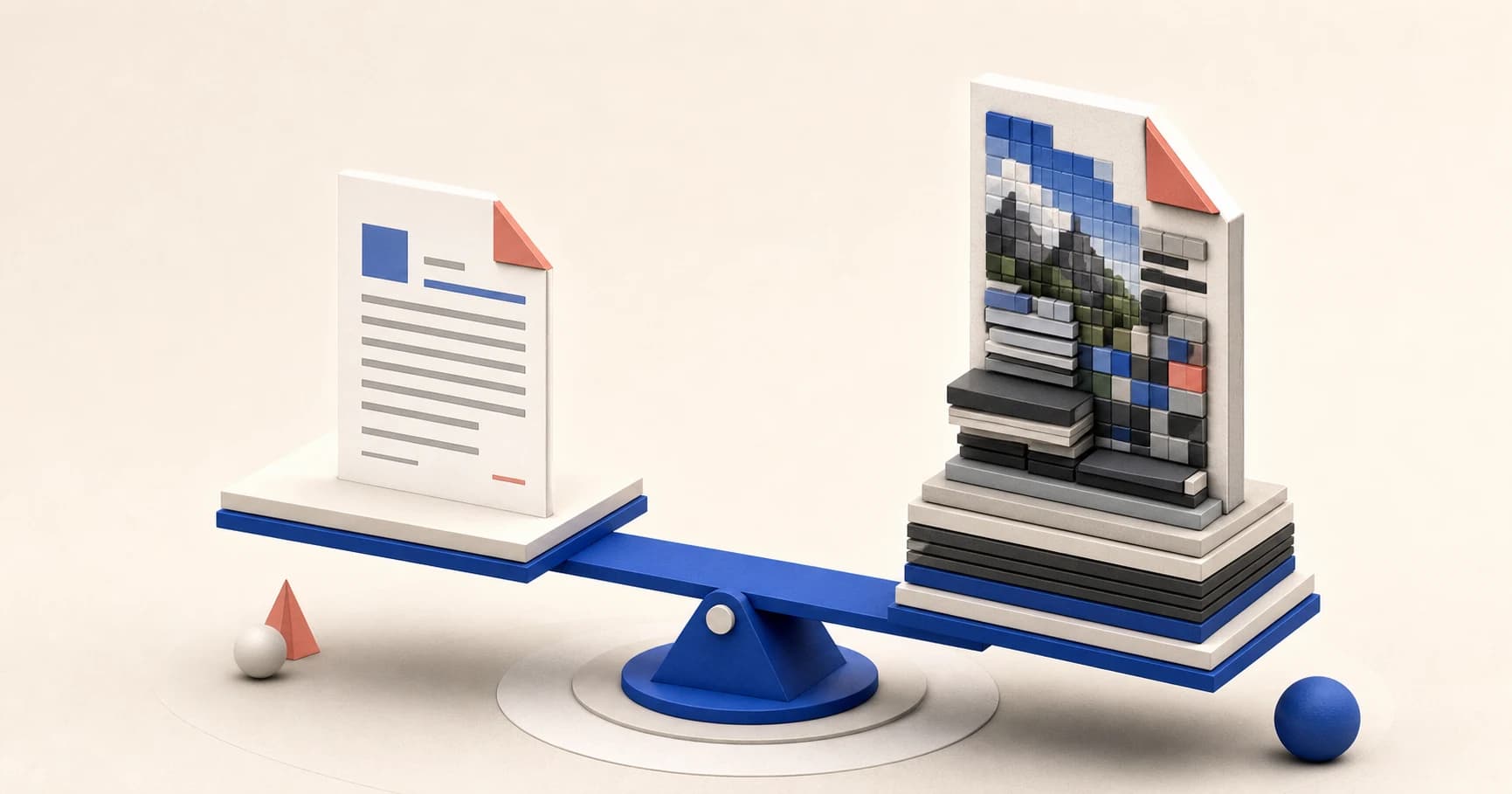
A PDF is usually big because it contains a lot of image data. Scanned pages, phone photographs, high-resolution graphics, and full-colour layouts can turn a short document into a large file. Embedded fonts and other assets can add more, while a text-based PDF that has already been optimized may have almost nothing left to remove.
Scanned and photographed pages
A scan may look like ordinary text, but the PDF often stores the whole page as one photograph. Four scanned pages therefore behave more like four large images than four pages exported from a word processor.
Two documents with the same page count can therefore have very different sizes. A text report might contain selectable letters and one small logo, while a scan contains a full-page image for every page. The scan gives a compressor more to reduce, but it also has more detail to lose.
Try selecting a sentence in the PDF. If individual words highlight, the file probably has a text layer. If the whole page behaves like one picture, it is probably a scan. A scan can also have an OCR text layer sitting invisibly above the image, so selection is a clue rather than a perfect test.
High resolution and full colour
Resolution controls how many pixels describe each page. A scan made for print can preserve far more detail than one meant for a screen or upload form. Those extra pixels increase the size even when the difference is hard to see at normal zoom.
Colour adds data too. A page of black text scanned in full colour records subtle shades in the paper, shadows near the binding, and colour noise from the camera or scanner. Grayscale or black-and-white source scans can be much smaller when colour carries no useful information.
High resolution and colour are not automatically wrong. Drawings, photographs, signatures, and small print may need them.
Image-heavy layouts
PDFs exported from presentation, publishing, or design software can contain large photographs, textured backgrounds, charts, and decorative graphics. The text may be efficient, but the layout is still image-heavy.
One oversized photograph can outweigh dozens of pages of selectable text. Replacing it with a smaller source image before exporting the PDF often gives the cleanest result.
Embedded fonts and other assets
PDFs can carry fonts so the document looks consistent on another device. They may also contain form resources, thumbnails, attachments, or repeated assets created by the exporting application. These are usually smaller than full-page scans, but several font families, weights, and duplicated resources can still add up. Compression cannot safely discard an asset the document needs.
Why text-based files are already near their floor
Selectable text is compact. A plain report exported cleanly from Word, Pages, or Google Docs may already be close to the smallest useful representation of that content. If it contains few images, there is no large pool of pixels to reduce.
A 300 KB text PDF might therefore save almost nothing while a 4 MB scan gets much smaller. That is not a failure. Repeated compression also has diminishing returns and can make scanned letters or fine lines softer.
How to shrink the file sensibly
Start with Compress PDF and choose the level based on the destination. Use a stronger setting for a hard upload limit and a gentler one when print detail matters. Open the result, zoom into small text, and check photographs before sending it.
If you have a specific 1 MB limit, use the more focused guide to compressing a PDF under 1 MB. It explains when splitting or rescanning is more realistic than forcing one file through another compression pass.
For a scan that also needs searchable text, run OCR PDF before the final compression. OCR adds a text layer for searching and copying, but the page image normally remains because it is what preserves the original appearance.
When you still have the source document, the cleanest fix may happen before PDF export: resize oversized photographs, remove unused pages, choose an appropriate scan resolution, and export once from the original application.
What the measured example means
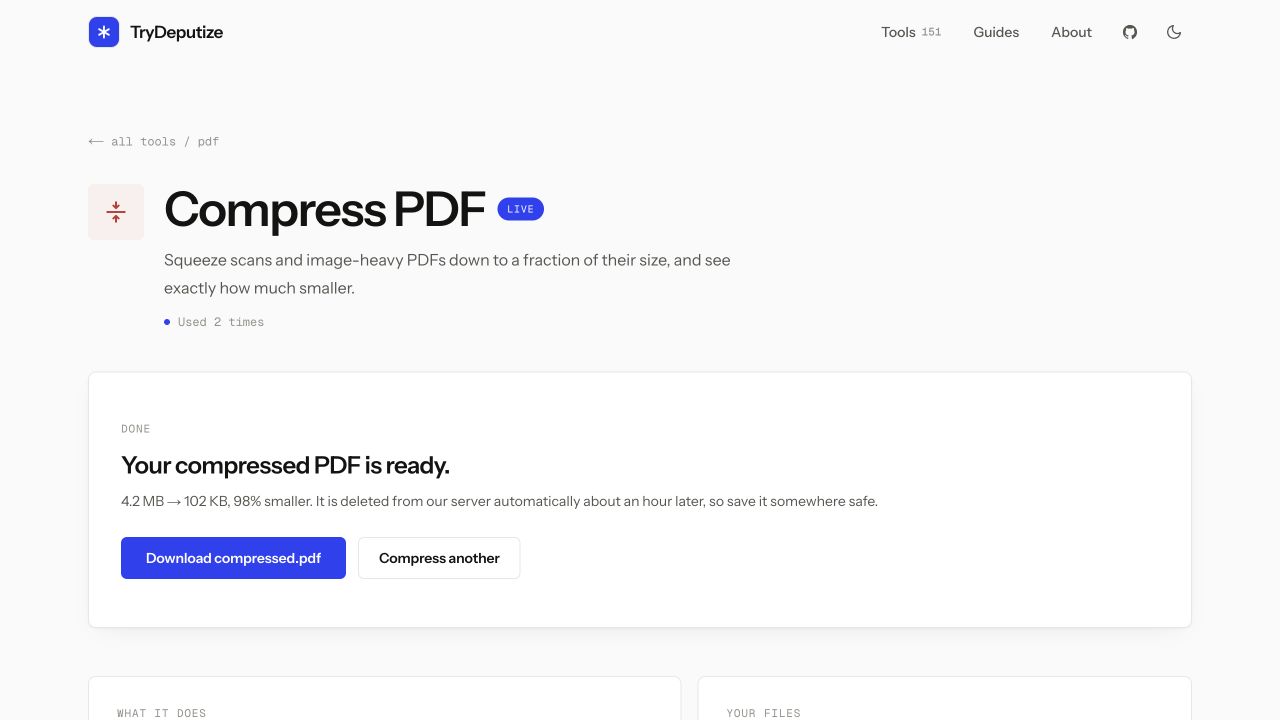
For the screenshot above, we created a synthetic four-page scan and measured the real tool result. The file went from 4.2 MB to 102 KB, which the result screen reported as 98% smaller.
That is one controlled example, not an expected rate. A different scan can have different dimensions, image encoding, noise, colour, and existing compression. A text-based PDF may save only a few percent. Judge the result by whether it meets the size limit and remains readable, not by whether it matches one dramatic number.
Privacy when compressing online
TryDeputize uploads the PDF to the server, processes the requested compression, and deletes the input and result automatically about an hour later. That is useful for ordinary documents, but it does not override a workplace, legal, or contractual rule that forbids uploading a file.
If the document must never leave your device, use an offline PDF application. Short retention is not the same promise as no upload.
When this won’t work
- The PDF is already efficient. A small, text-based file may be close to its practical floor, so another pass produces little or no saving.
- Fine visual detail must remain exact. Detailed plans, print artwork, diagnostic images, and photo portfolios may become less useful when their images are reduced.
- The target is unrealistically small. A long scan cannot always fit a strict portal limit and stay readable. Split it, rescan it appropriately, or ask whether the recipient accepts another delivery method.
- The document cannot be uploaded. Use an approved offline workflow when policy or confidentiality rules require local processing.
Questions
Why are scanned PDFs usually so large?
A scanned PDF stores each page as an image. More pages, more pixels, and more colour information all add data, even when the page looks like simple black text.
Why did compressing my PDF barely change its size?
It may already be compressed, or most of its size may come from assets that cannot be reduced without a visible loss. Text-based PDFs are often small before you begin.
Can I keep compressing the same PDF to make it smaller?
You can try, but a second pass usually saves much less and may soften scanned text or photographs. It is better to return to the original and choose the right level once.
How long does TryDeputize keep an uploaded PDF?
The file is processed on the server for the requested job and deleted automatically about an hour later. Use offline software instead when a policy says the document cannot be uploaded.
Compress PDF
Shrink a PDF to email-able size
Free · no signup · files deleted in 60 minutes
The rest of this topic
- How do I get my PDF under a 1 MB upload limit?Open Compress PDF, choose Smaller file, and check the result before sending it.Main guide
- How do I compress a scanned PDF without making it unreadable?Open Compress PDF, upload the scan, and start with Balanced.How-to
- How do I compress a PDF to 500KB?Open Compress PDF, choose Smaller file, download the result, and check its size against 500 KB.How-to
Related guides
- How do I get my PDF under a 1 MB upload limit?Open Compress PDF, choose Smaller file, and check the result before sending it.Main guide
- How do I compress a scanned PDF without making it unreadable?Open Compress PDF, upload the scan, and start with Balanced.How-to
- How do I compress a PDF to 500KB?Open Compress PDF, choose Smaller file, download the result, and check its size against 500 KB.How-to